Billboard advertising
Choose a screen, prepare your campaign and review the steps for booking a placement.
On this page
Booking availability
Locations and rates
| Placement | Locations | Per day |
|---|---|---|
| District | Eight screens across the service areas | $1 |
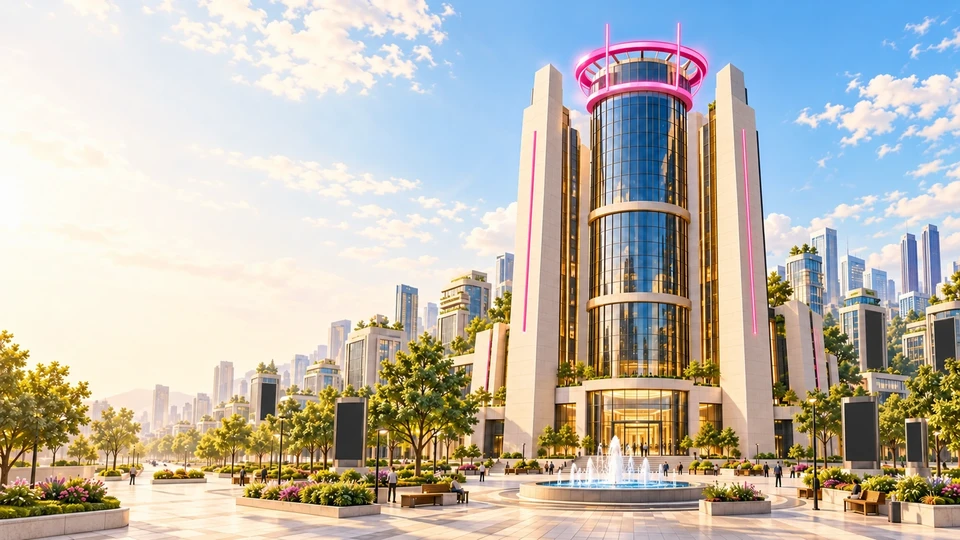
| HQ Premium | Two supporting screens by the civic plaza | $3 |
| HQ Flagship | Main screen beside District HQ | Reserved for Agent District |
There are 11 screens. Check the current rates and availability for bookable screens on the booking page.
Creative types
| Type | Material |
|---|---|
| Video | MP4 or WebM, campaign name and optional poster or destination. |
| Image / Brand | PNG, JPEG or WebP with a campaign name and optional destination. |
| X Profile | Direct HTTPS profile link, with optional copy or artwork. |
| Website | HTTPS website URL, with optional copy or artwork. |
Generated cards use the details you enter. Visitors can select a published screen to open its campaign details and destination.
Existing paid booking recovery
The paid flow supports USDG and native ETH on Robinhood Chain. A quote lasts up to ten minutes within a thirty-minute hold. Check the reservation for confirmed dates after payment.
If verification is interrupted, keep the booking ID and transaction hash. Open Your campaigns and use Recover a payment when shown. Contact Support for a transfer received after the quote or hold expires.
Media and playback
| Media | Requirements |
|---|---|
| Images | PNG/JPEG/WebP, up to 8 MB and 4096 pixels per side. |
| Videos | MP4/WebM, up to 50 MB, using a compatible codec such as H.264. |
| Layout | 16:9 recommended. Use lettering that stays readable at city scale. |
| Links | HTTPS websites or direct X profile URLs. |
Use campaign material you have permission to publish. Live campaign media, copy and destinations are visible to visitors. The city plays one billboard video at a time, muted. When a campaign ends, the screen returns to its idle display. The HQ flagship returns to the silent district intro when its slot is empty.